Independent Reserve clients can link their existing trading accounts with Summ (previously Crypto Tax Calculator) for easy crypto tax reporting and tax minimisation insights.
| Table of contents |
Update your Summ name
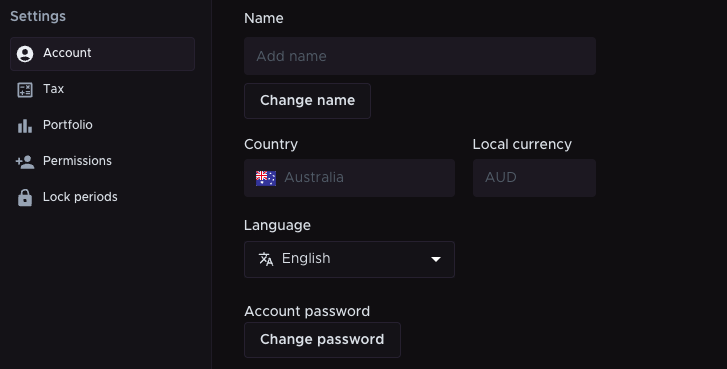
To update the name on your tax reports (including for SMSF, company and trust accounts):
1. Click Settings.
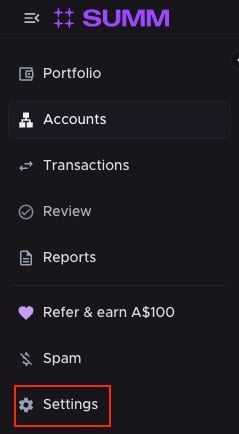
2. Under the Accounts tab, click Change name and enter your chosen name.
3. Click Save.
Connecting your Independent Reserve account with Summ
Independent Reserve clients receive a 30% discount off their first year with Summ.
To take advantage of this exclusive deal, available to all new Summ customers:
- Log in to your Independent Reserve account.
- Navigate to Transactions and click Tax.
- Click Get started with Summ. Your Summ account will be automatically generated.
All of your transactions will be synchronised with your Summ account.