Transaction history page updates
Tom FuKnowledge base1 min read
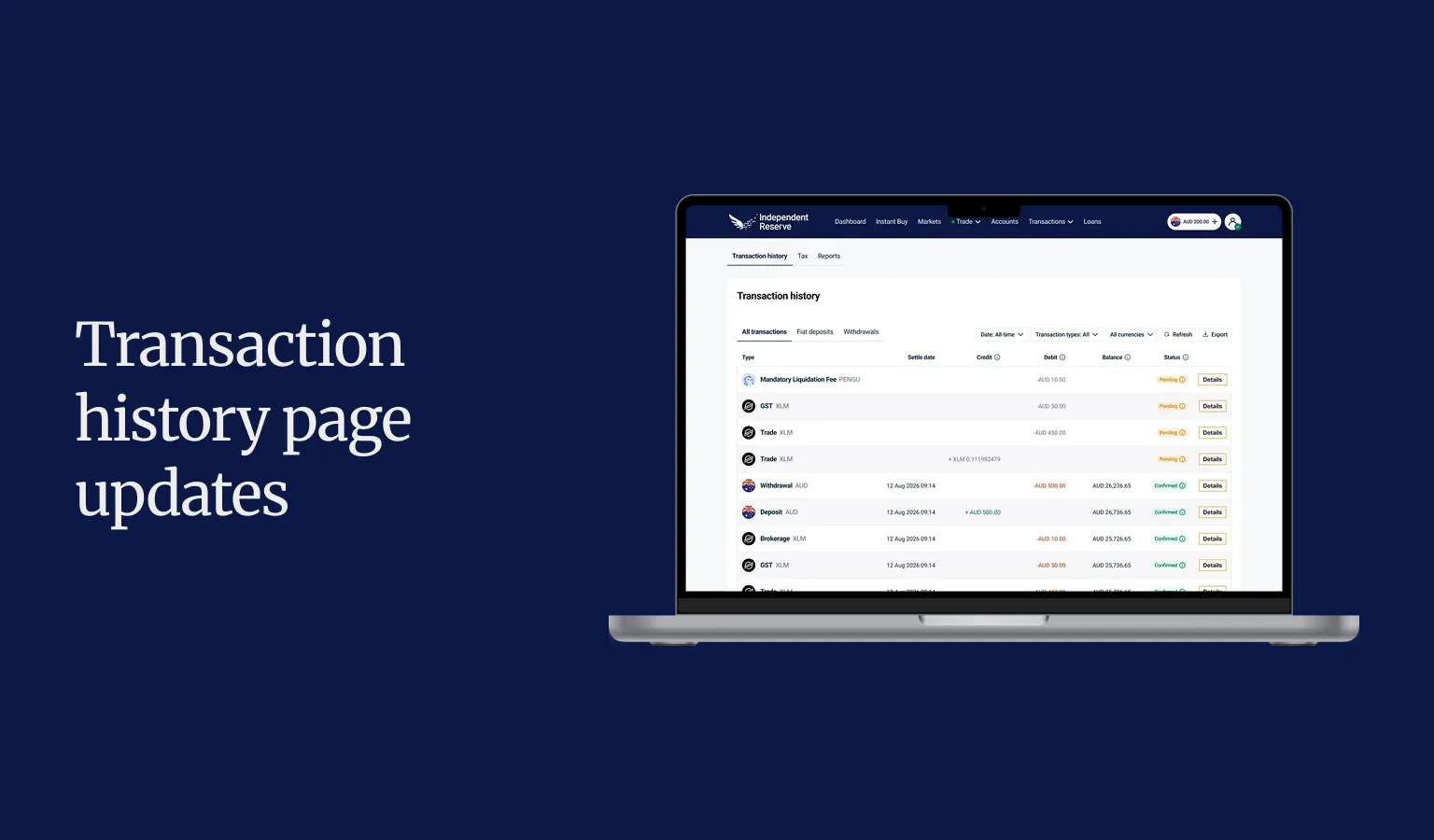
We've updated your Transaction history page. Your trades, deposits and withdrawals are now in one place.
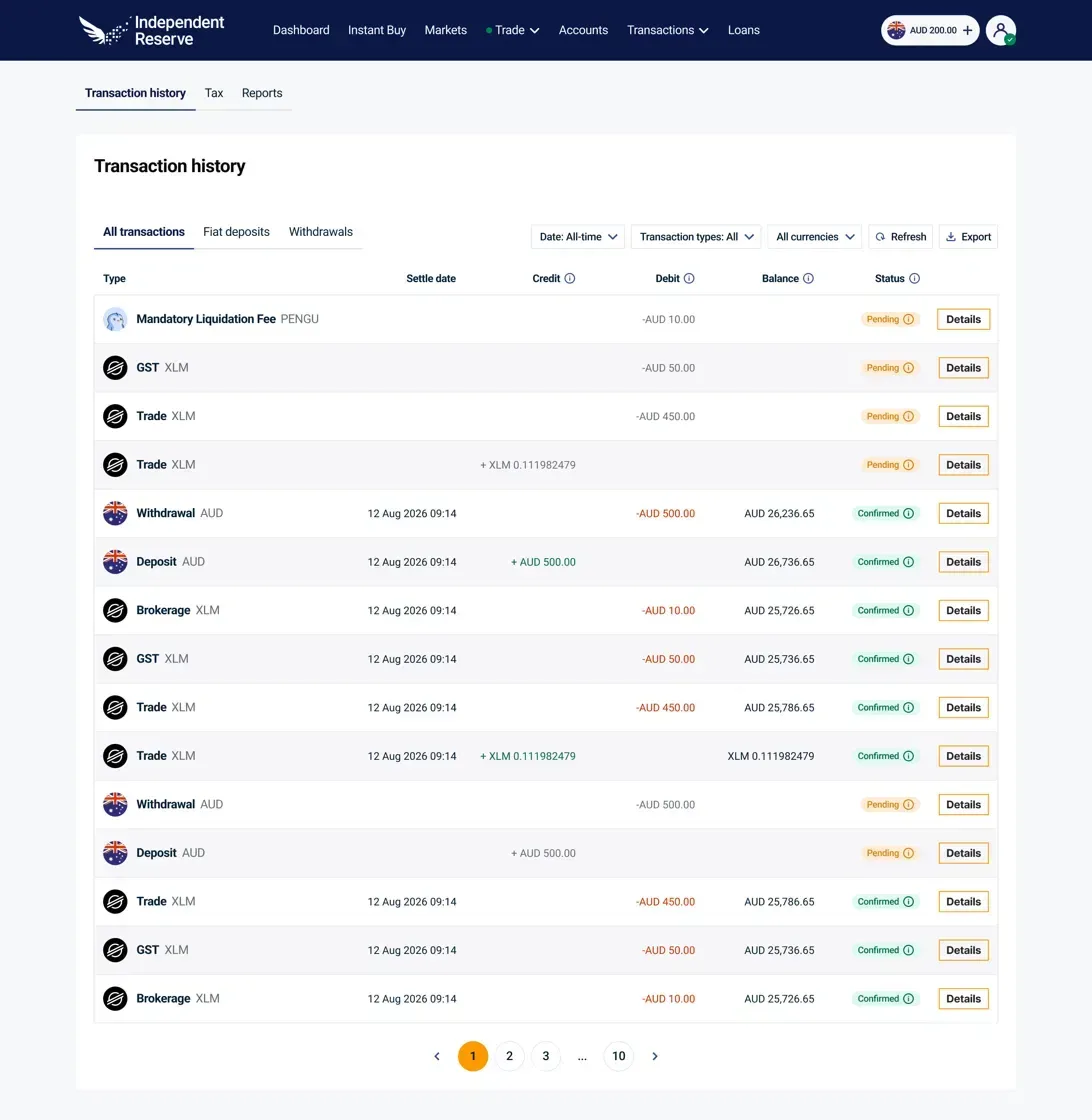
Your Transaction history page now has three tabs:
- All transactions
- Fiat deposits
- Withdrawals
All transactions
Every transaction on your account, including trades, deposits, withdrawals and balance. Each row shows the Settle date, credit, debit, balance and status.
Your pending transactions are shown at the top, allowing you to navigate through these more easily and take action (if required).
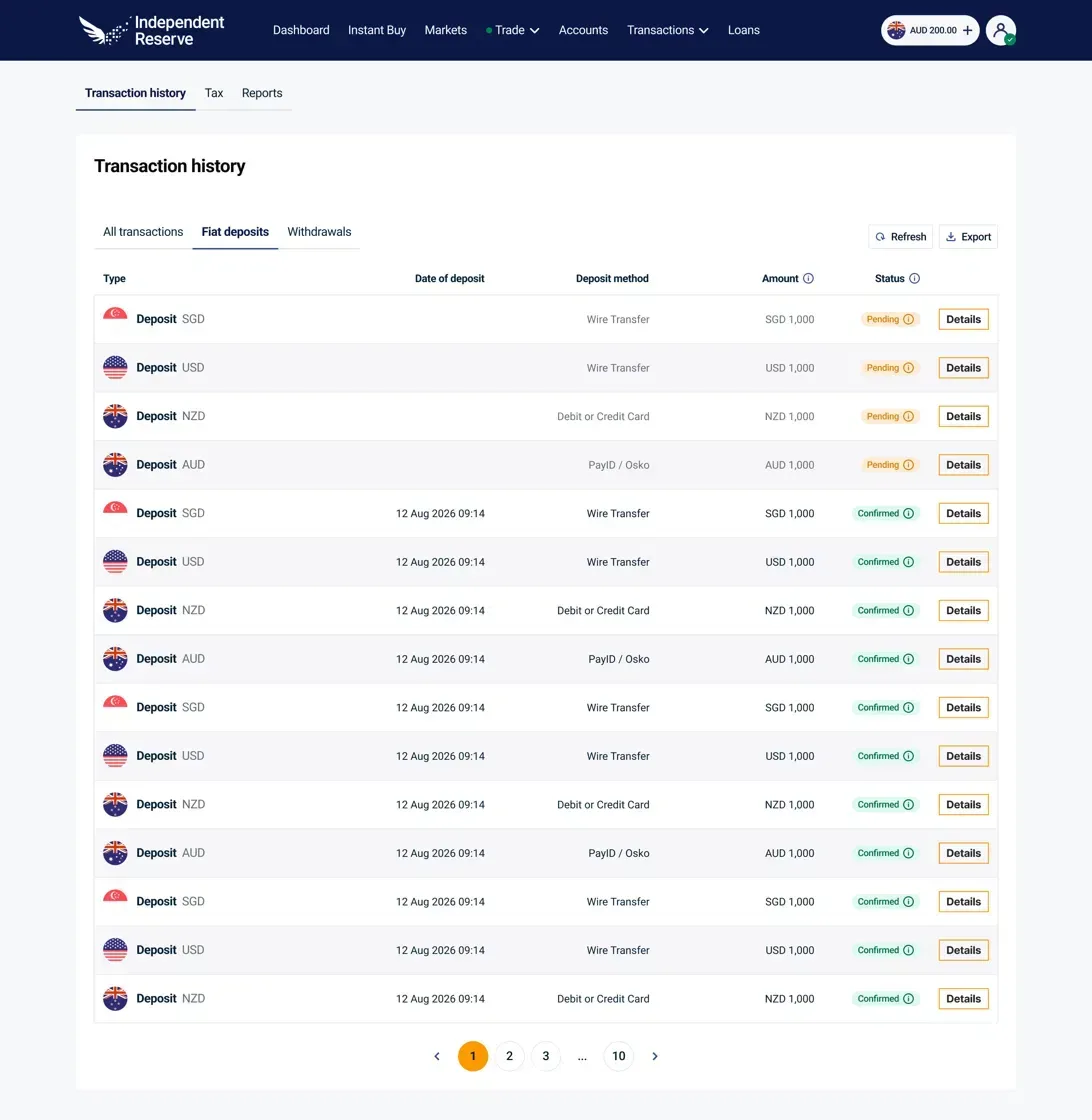
Fiat deposits
Your deposits from your bank or card. You will see the date, deposit method (such as PayID/Osko, wire transfer, debit or credit card), amount and status.
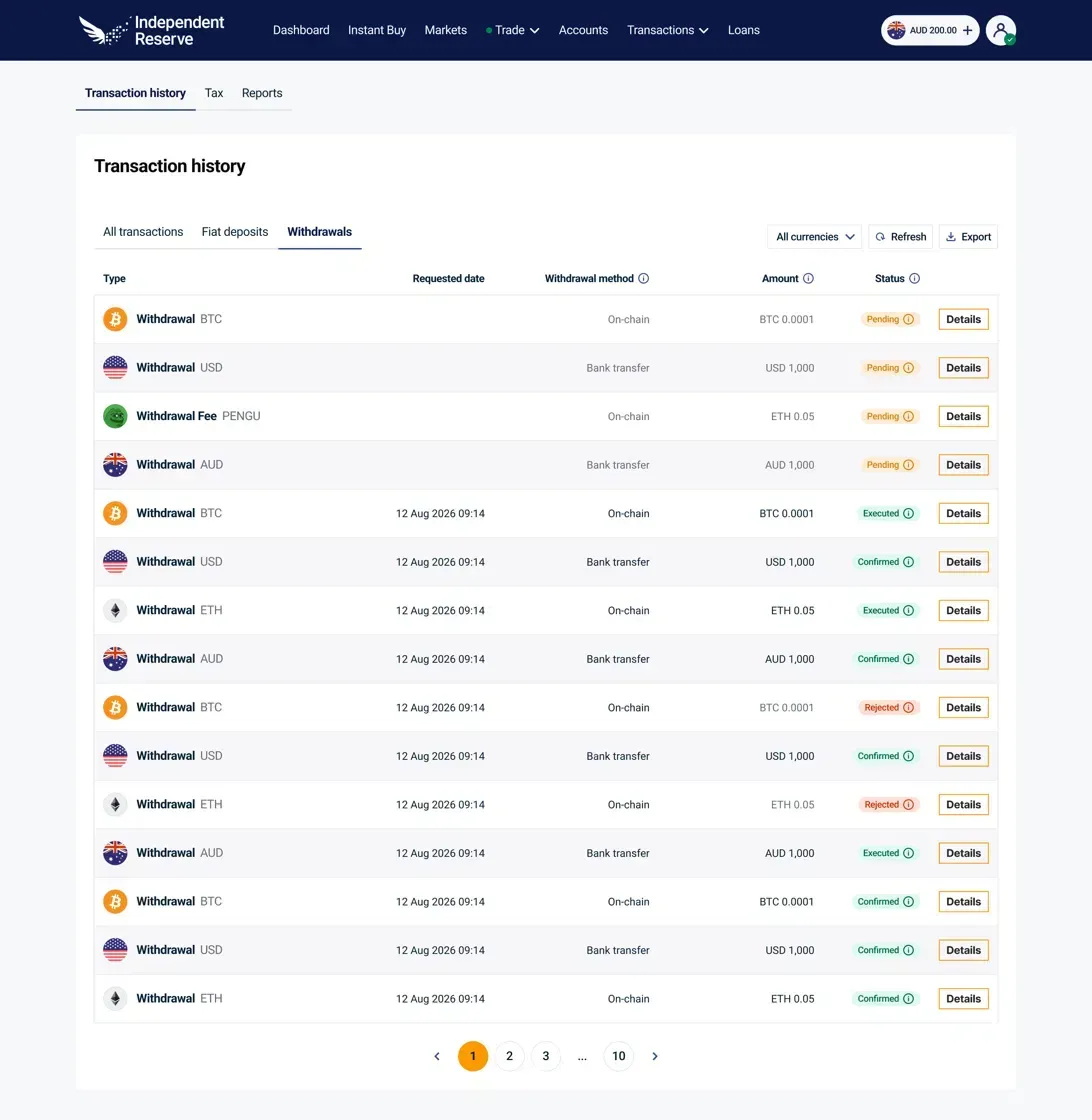
Withdrawals
Your fiat and crypto withdrawals. You will see the requested date, withdrawal method (on-chain or bank transfer), amount and status.
What stays the same
Your full transaction history is still here. Nothing has been altered or removed.
- Export works the same way, so you can still download your history at tax time.
- On the All transactions tab, you can still filter by date, transaction type and currency.
How to use the Transaction history page
- Log in to your account.
- Select Transactions in the top menu, then Transaction history.
- Select a tab: All transactions, Fiat deposits or Withdrawals.
- Select Details on any row to see more about a transaction.
- Select Refresh to load your latest activity.
- Select Export to download your transaction history.
Where to find tax and reports
Need a tax report? Select the Tax or Reports tab at the top of the page. You can also use our crypto tax calculator.
Log in to see your trades, deposits and withdrawals in one place.

Related Posts:
Tags:transaction history