The new Independent Reserve trade screen brings together everything you need in one place, for a more intuitive trading experience.
The new interface gives you clearer access to market data, balances and trading activity.
What’s new
- Place trades with fewer steps
- View pricing and charts while trading
- See your available balance while trading
- Orders and history in one place
A simpler way to place trades
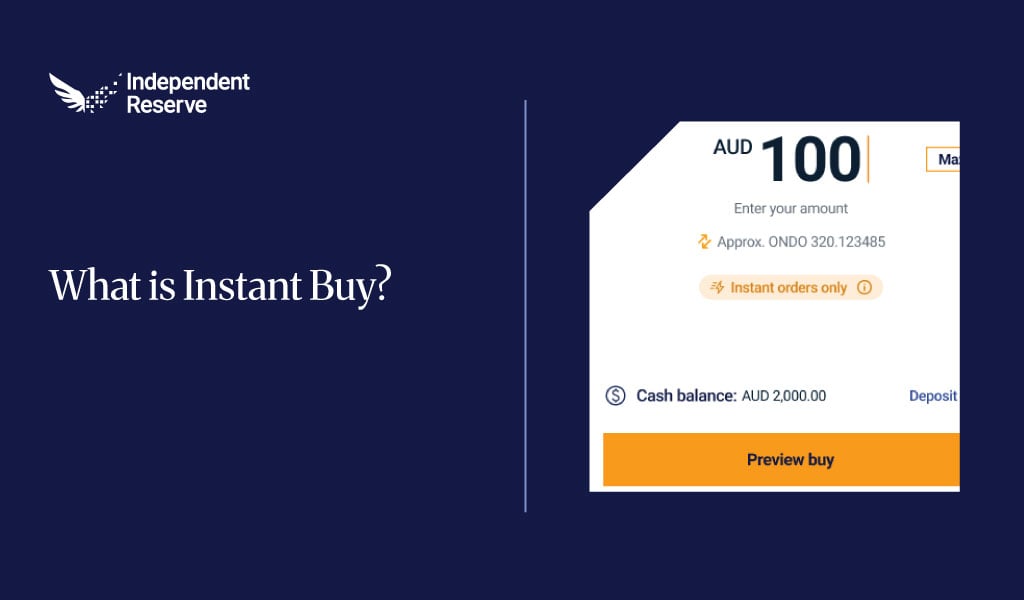
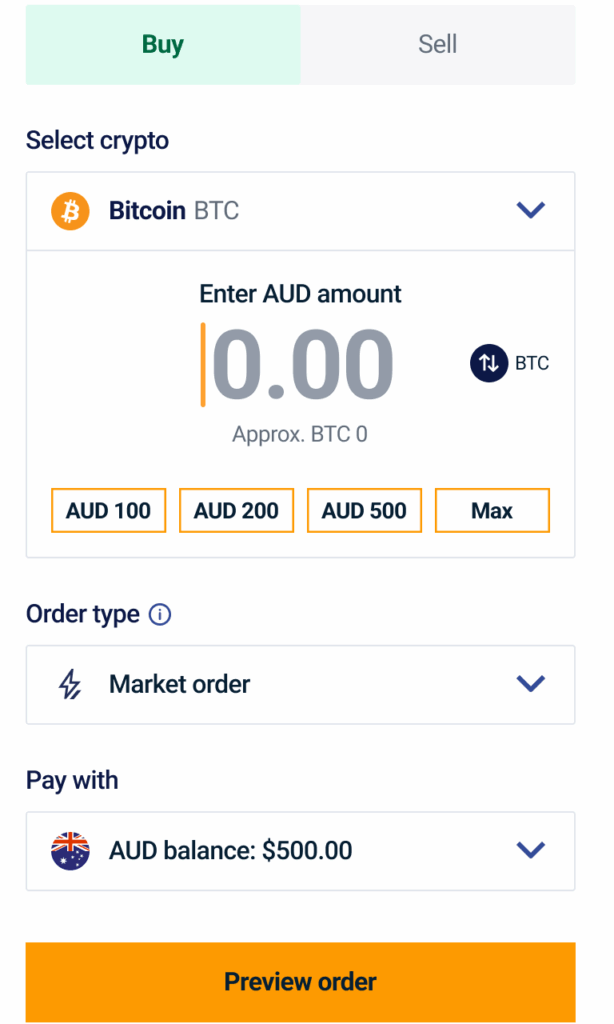
The trading section brings all inputs and order details together so you can see exactly what you’ll receive and place trades with fewer steps.
- Select your asset from the dropdown or search by name
- Enter your amount in AUD or crypto and switch between the two instantly
- Use presets like $100, $200, $500, or Max to skip manual entry
- Choose your order type with market order for instant execution or limit order to set your price
- Select your payment method using your AUD balance or a connected deposit option
- Preview your trade to review order details and estimated fees before confirming
Market data and charts
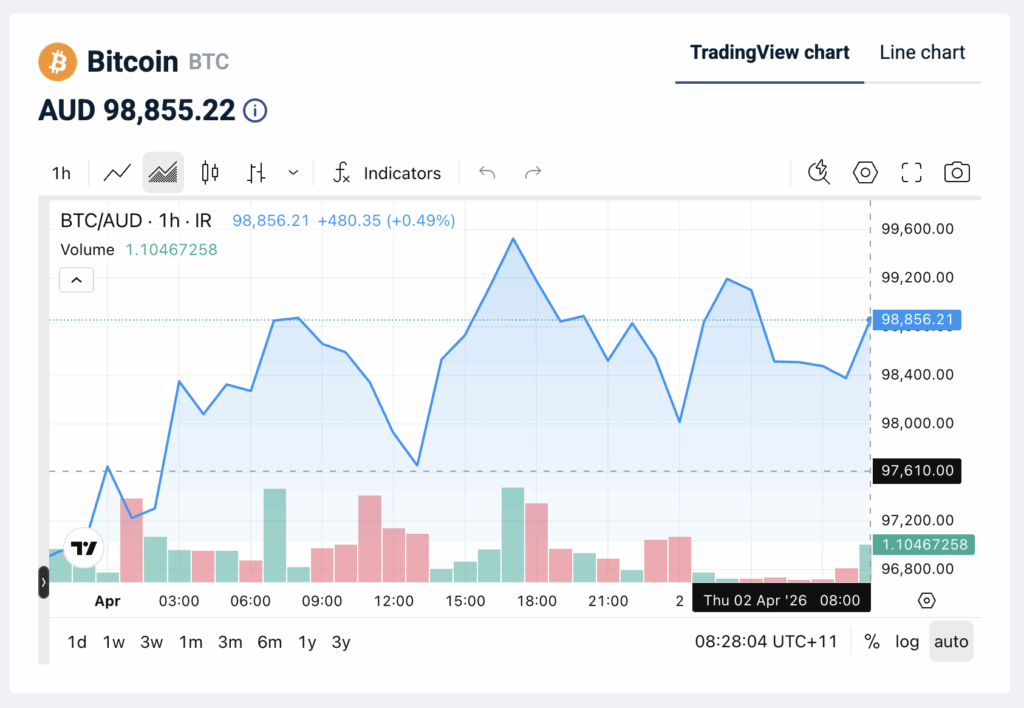
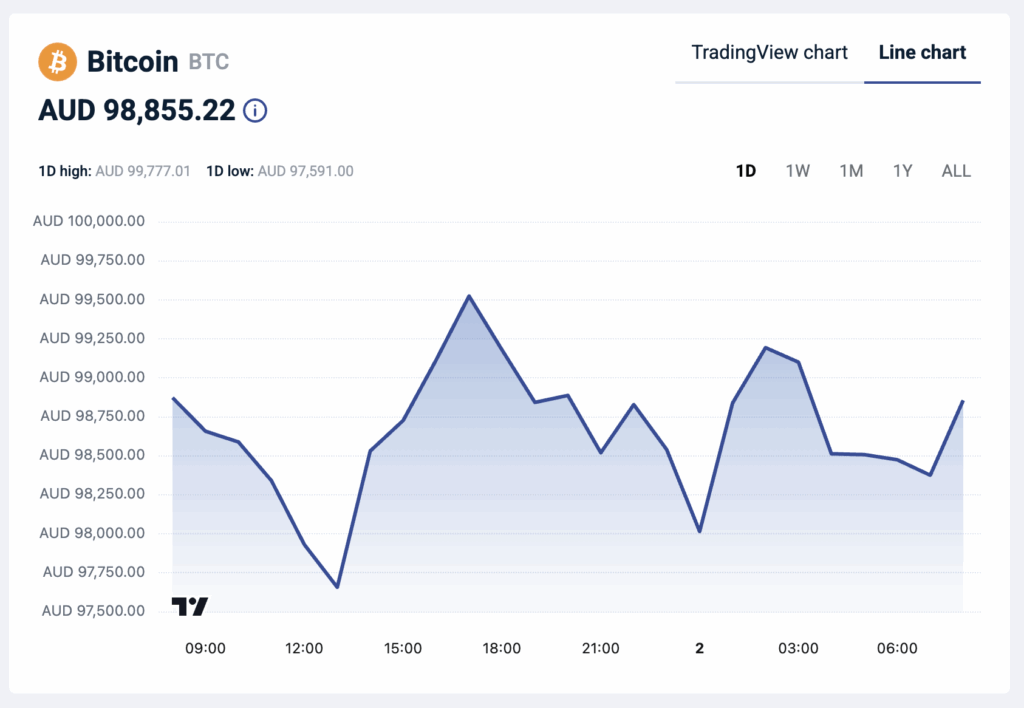
Get a clearer view of market movement with improved charts and expanded time ranges.
- Line chart for a quick view of price movement
- TradingView chart with indicators, drawing tools, and multiple timeframes
- 1D high/low prices to quickly gauge the daily range
- Time ranges including 1H, 1D, 1W, 1M, 1Y, and ALL
Wallet balances at a glance
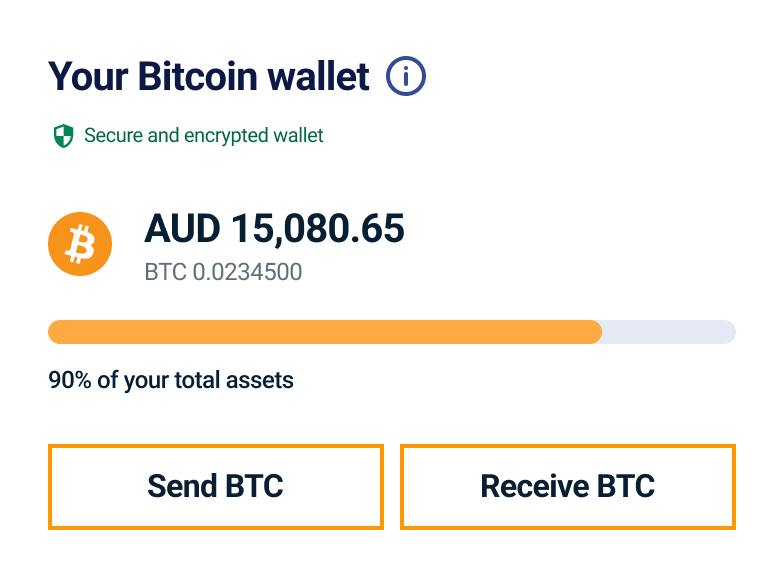
View your available balance in both AUD and crypto directly on the trading screen, with quick access to deposit or withdraw crypto.
- Balances in AUD and crypto for the selected asset
- Always visible on the trading screen, with no need to switch pages
- Deposit or withdraw crypto directly from the wallet section
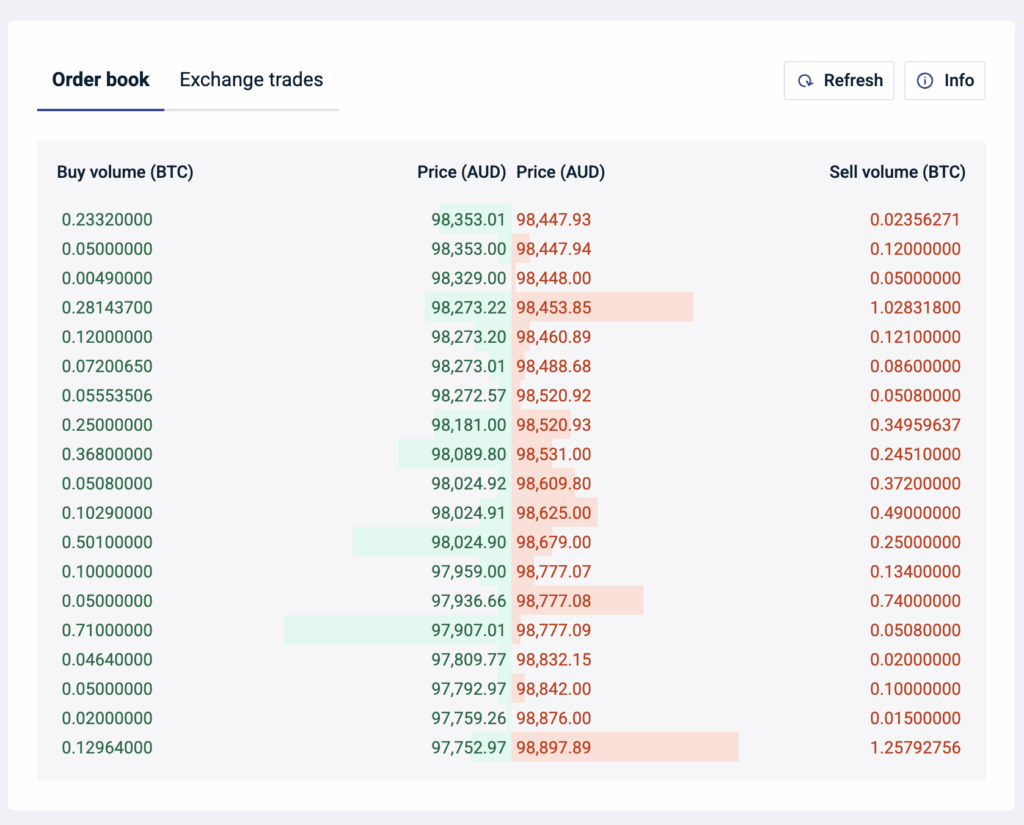
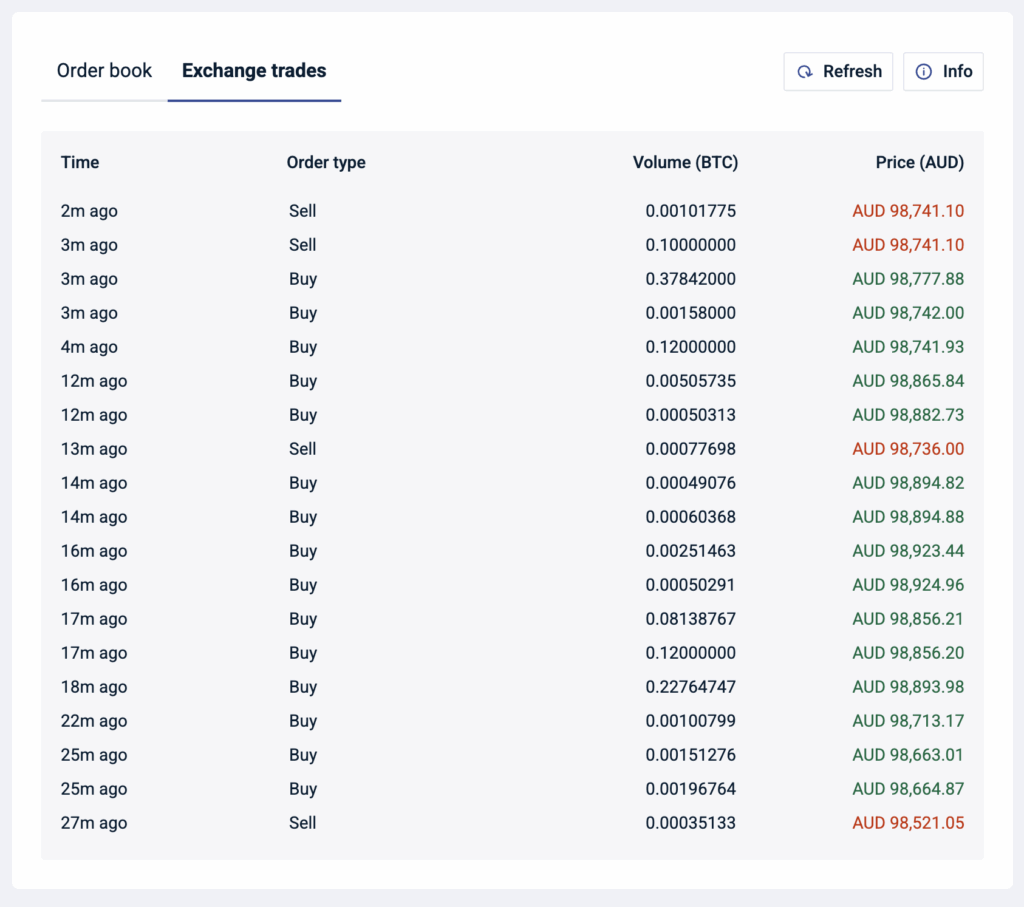
Order book and exchange trades
Live market depth and recent trades are shown below the chart, so you can quickly read supply, demand, and price action.
- Order book shows live buy and sell volume at each price level, with depth indicators
- Exchange trades show the most recent trades on the platform
- Refresh anytime to view the latest data
Orders and history
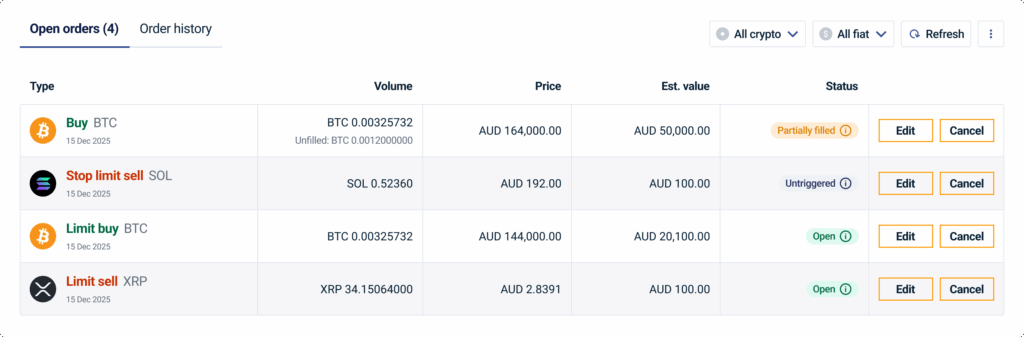
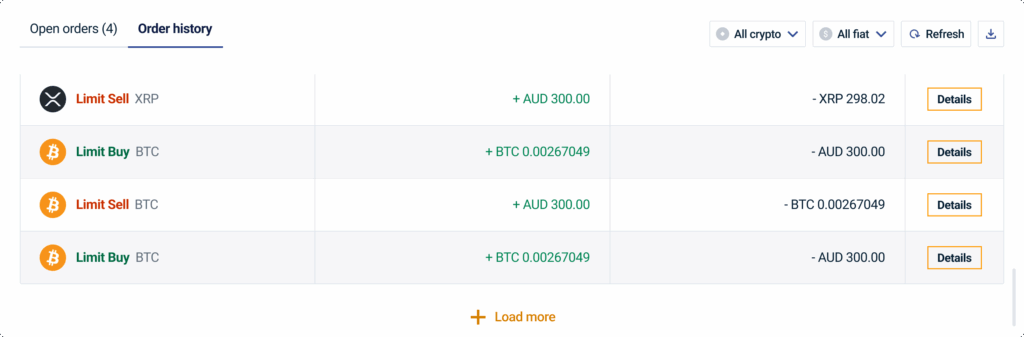
View all your trading activity in one place at the bottom of the page, with no need to switch pages to check order status.
- Open orders to track active limit orders with real-time status
- Order history with full details of completed trades
- Filter by asset or fiat currency to quickly find specific orders