To help combat the increasing number of scam sites impersonating Independent Reserve, we’ve launched a new resource to help users verify our official channels.
How to use the channel verification page
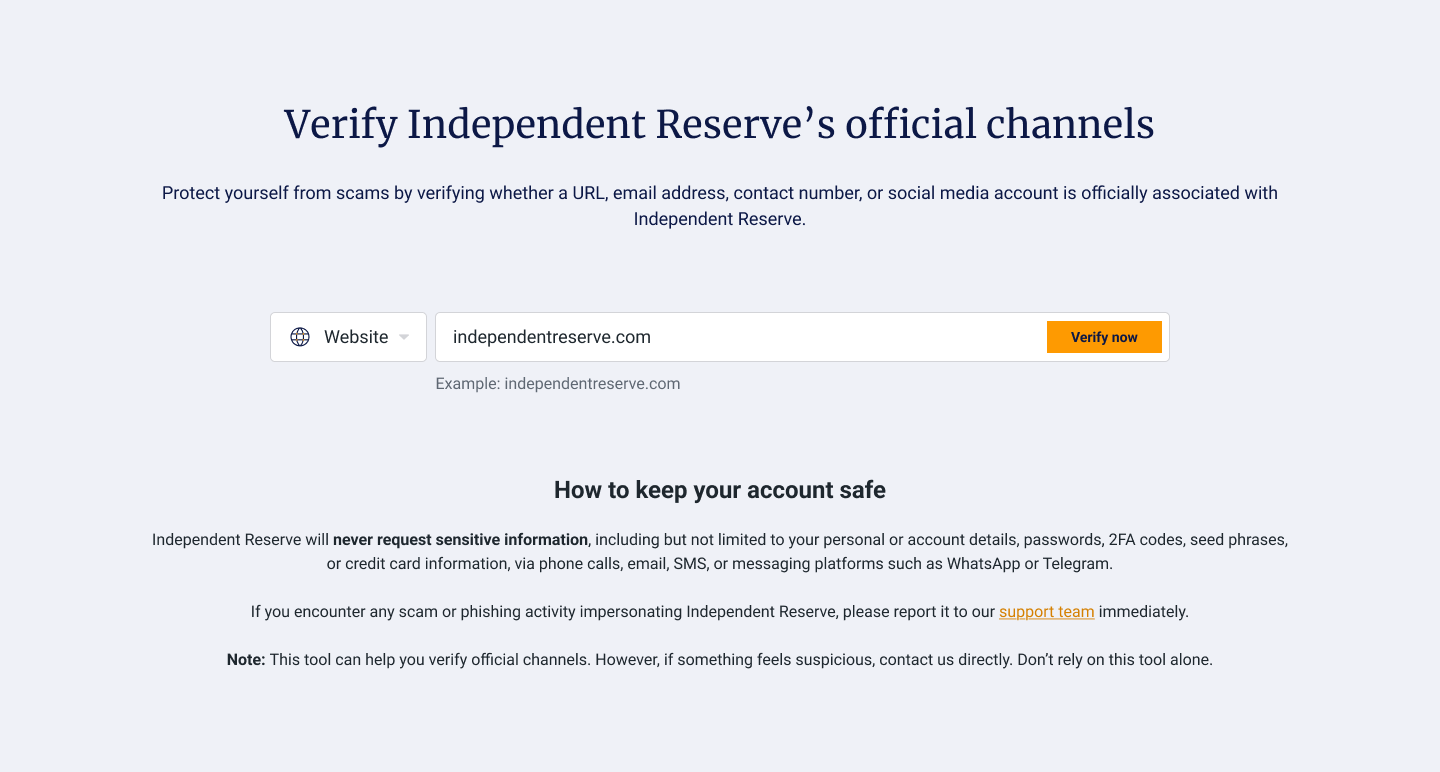
1. Visit www.independentreserve.com/sg/verify.
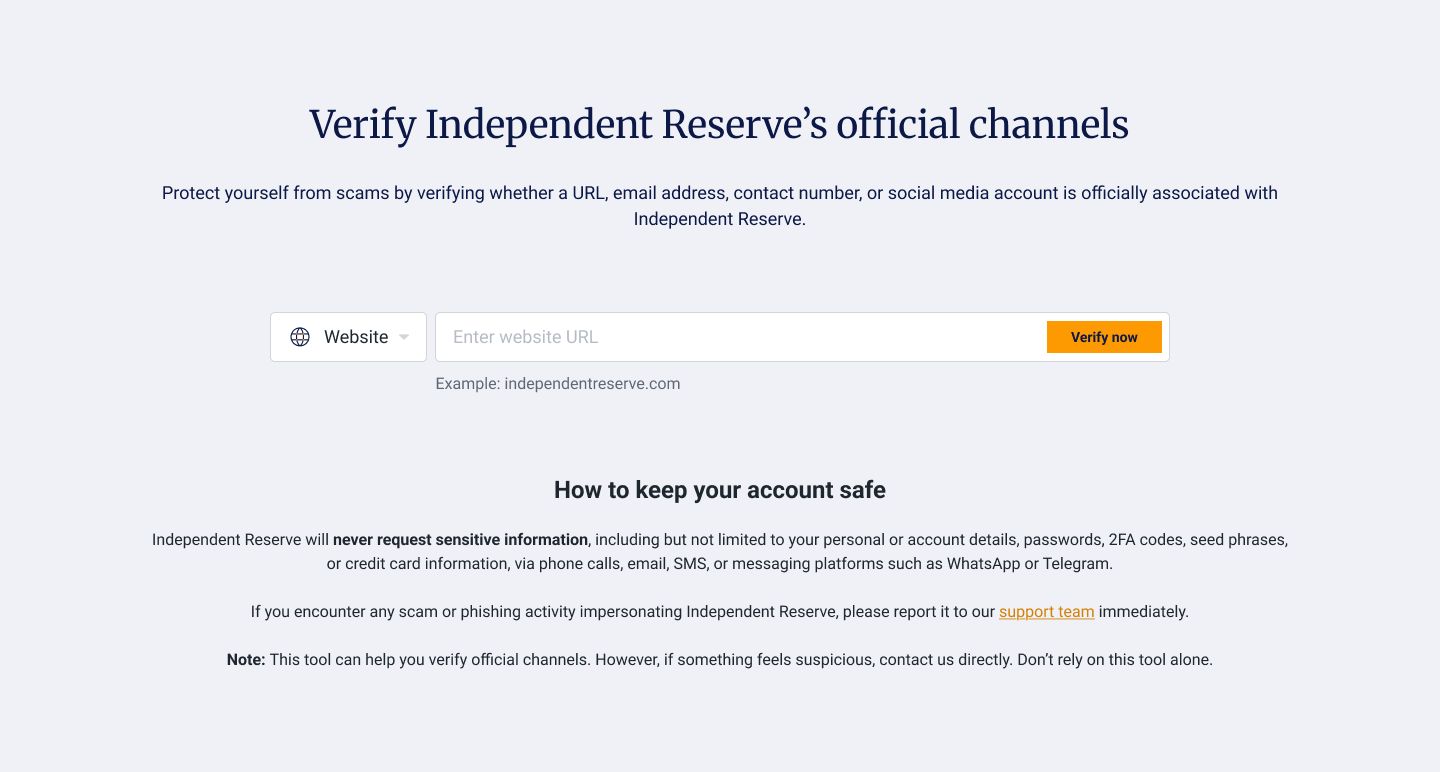
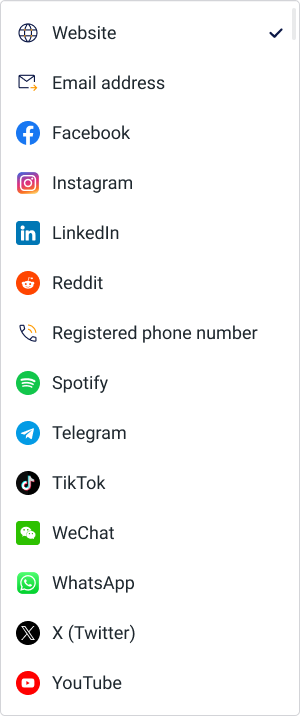
2. From the dropdown, select the channel you would like to verify (Website, social media channels, email or contact number).
3. Enter the website URL/social media account/email address/contact number you want to verify and click on ‘Verify now’.
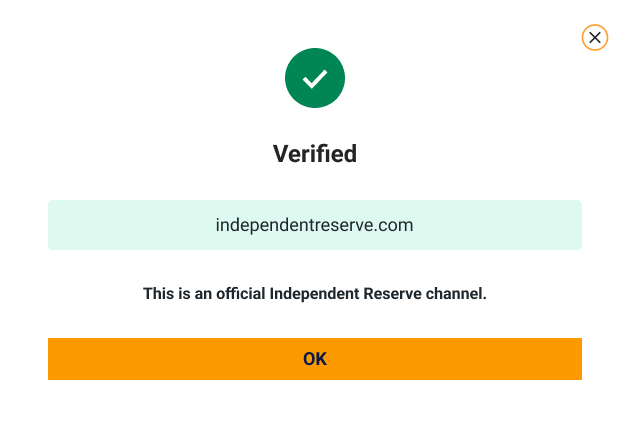
4. If the channel is verified, you can continue to use it.
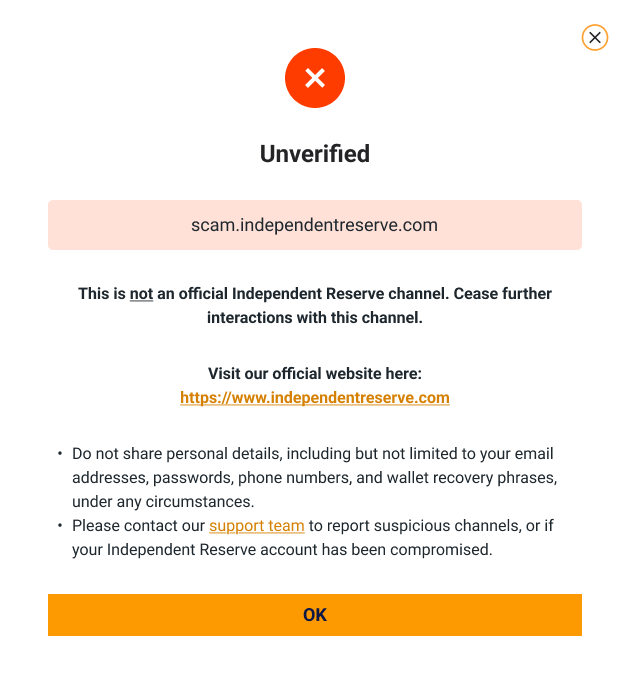
What to do if you encounter an unverified channel
If the channel is unverified, please cease all interactions immediately.
Independent Reserve will never request sensitive information, including but not limited to your personal or account details, passwords, 2FA codes, seed phrases, or credit card information, via phone calls, email, SMS, or messaging platforms such as WhatsApp or Telegram.
If you encounter any scam or phishing activity impersonating Independent Reserve, please report it to our support team immediately.
If you believe your account has been compromised
- Contact your bank immediately
If your bank account or credit card has been compromised, notify your bank immediately.
- File a police report
Submit a police report online or in person at the nearest Neighbourhood Police Centre or Neighbourhood Police Post.
- Inform your contacts and report the account
If your online account (e.g. email or social media) is compromised, inform your contacts and report the incident to the relevant email service provider or social media platform.
- Secure your account
If you still have access, change your password immediately and enable two-factor or multi-factor authentication if it is not already activated.
- Secure your account
Contact us immediately at support@independentreserve.com or online support.